If customers book appointments or you want to take deposits, online booking and payments can pay for themselves in saved phone calls. But for many service businesses, a photo enquiry form is the smarter first step.
Should you take bookings online?
Online booking works best when you offer a clear service with a set length and a time you can confidently put in the diary. Customers can request or book an appointment without waiting for you to answer the phone.

It can suit businesses such as barbers, cleaners and dog groomers, where appointments are often fairly predictable. You still need to decide how much control customers have over available times and what happens if they need to cancel or change a booking.
It is less useful when the work needs a quote or inspection first. A plumber may need to see what is leaking; a builder may need to understand the job before estimating the time and cost. A calendar that offers a slot before you know what the customer needs can create confusion rather than save time.
A good rule of thumb:
- Set service, set appointment: online booking may be a good fit.
- A first consultation or survey: let customers book that step, then quote for the main work.
- Bespoke or uncertain work: start with an enquiry form and ask for photos.
Should you take payments on your website?
There are a few ways to use online payments. You might ask for a deposit when a customer books, take full payment for a clearly priced service, or request payment after you have agreed the job and price.
A deposit or prepayment can make it easier to secure a booking and may discourage customers from reserving a slot they do not intend to keep. It does not remove the need for a clear cancellation and refund policy. Explain when a deposit is due, whether it can be refunded and what happens if you need to move the appointment.
For work that needs a quote first, do not ask customers to pay the full job price before you have agreed what the work involves. You can take payment later, once the scope and price are clear.
What does it cost to add?
There is no fixed price for adding booking and payments. A custom build with bookings, payments, customer accounts or a full platform is quoted to your needs. A simple request form and a booking calendar are different pieces of work, so the right price depends on what you want customers and your team to be able to do.
For reference, these are our website package starting prices. Booking and payment features are not included as a fixed-price add-on; they need a custom quote.
| Website option | Price |
|---|---|
| Starter, paid once | From £80, plus £5/month hosting |
| Business, paid once | From £450, plus hosting from £15/month |
| Starter monthly | £15/month |
| Business monthly | £39/month |
| Custom booking or payment build | Quoted to your needs |
Monthly plans have a 12-month minimum, then continue month to month with 30 days’ notice. The price is fixed for the first 12 months; after that it can rise only in line with CPI, at most once a year. Paying once works out cheaper over time. We are not VAT registered, so no VAT is added. Changes after launch cost £25 an hour or a fixed price agreed before work starts.
See the full website package prices and terms.
There is also a separate cost for processing card payments. Stripe’s published UK pricing at the time of writing is:
| Card used for a standard online payment | Stripe fee |
|---|---|
| Standard UK card | 1.5% + 20p per transaction |
| Premium UK card | 2.8% + 20p per transaction |
Stripe has no setup or monthly fees on its standard pricing. These are transaction fees, not the cost of building booking or payment features into your website. Check Stripe’s current UK pricing before choosing a provider, as rates can change.
How does it look in practice?
Our own Interstellar Mobile Mechanic website is a real example of a service business offering a straightforward way to request a booking. Customers choose the service they need and give a preferred date. They can also call or message us on WhatsApp if they would rather speak to someone.
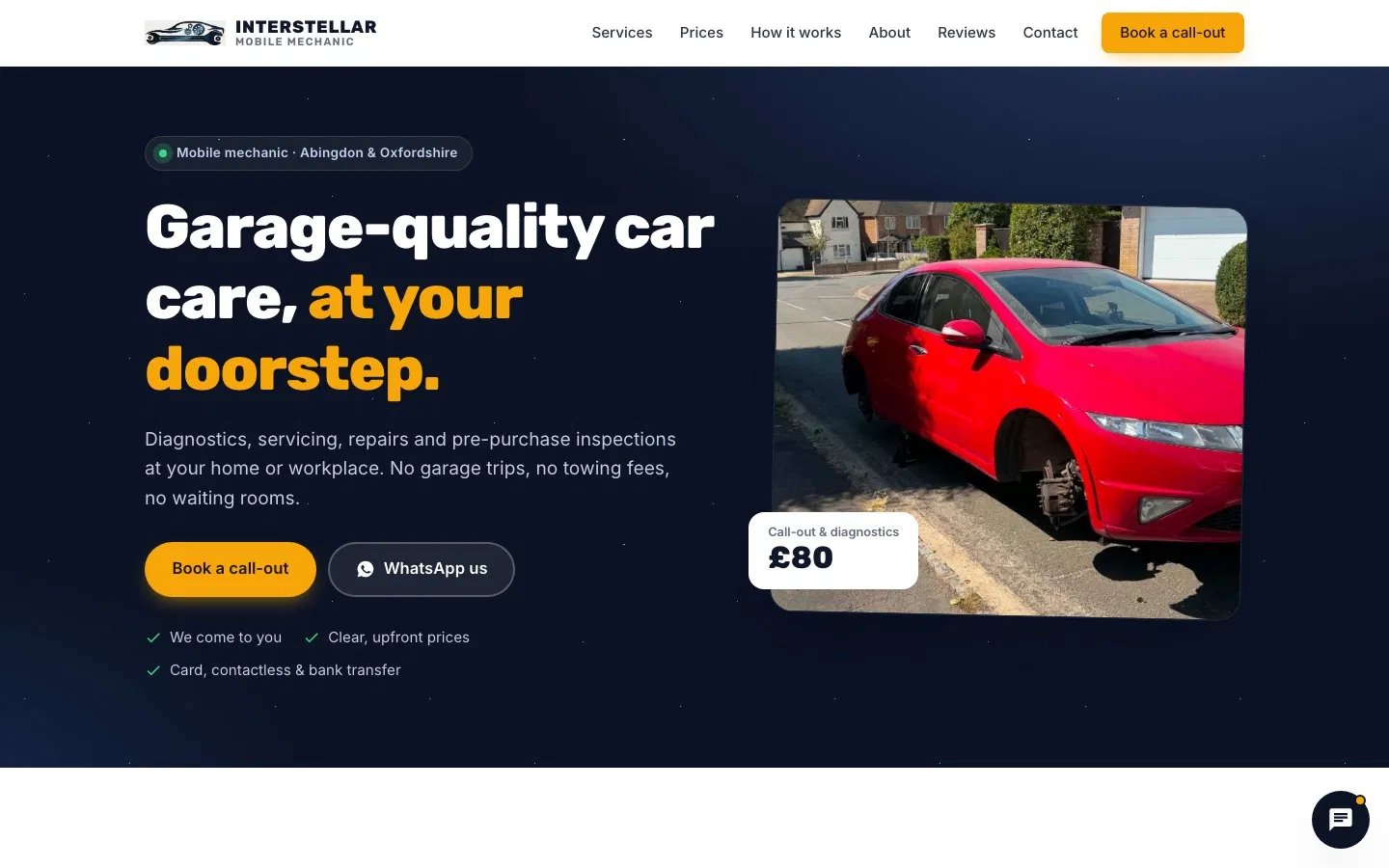
Customers can pay on site by card, contactless, bank transfer, Apple Pay or Google Pay. The important point is that the booking request and the payment method fit how the service is delivered; customers do not have to use one route if another suits them better.
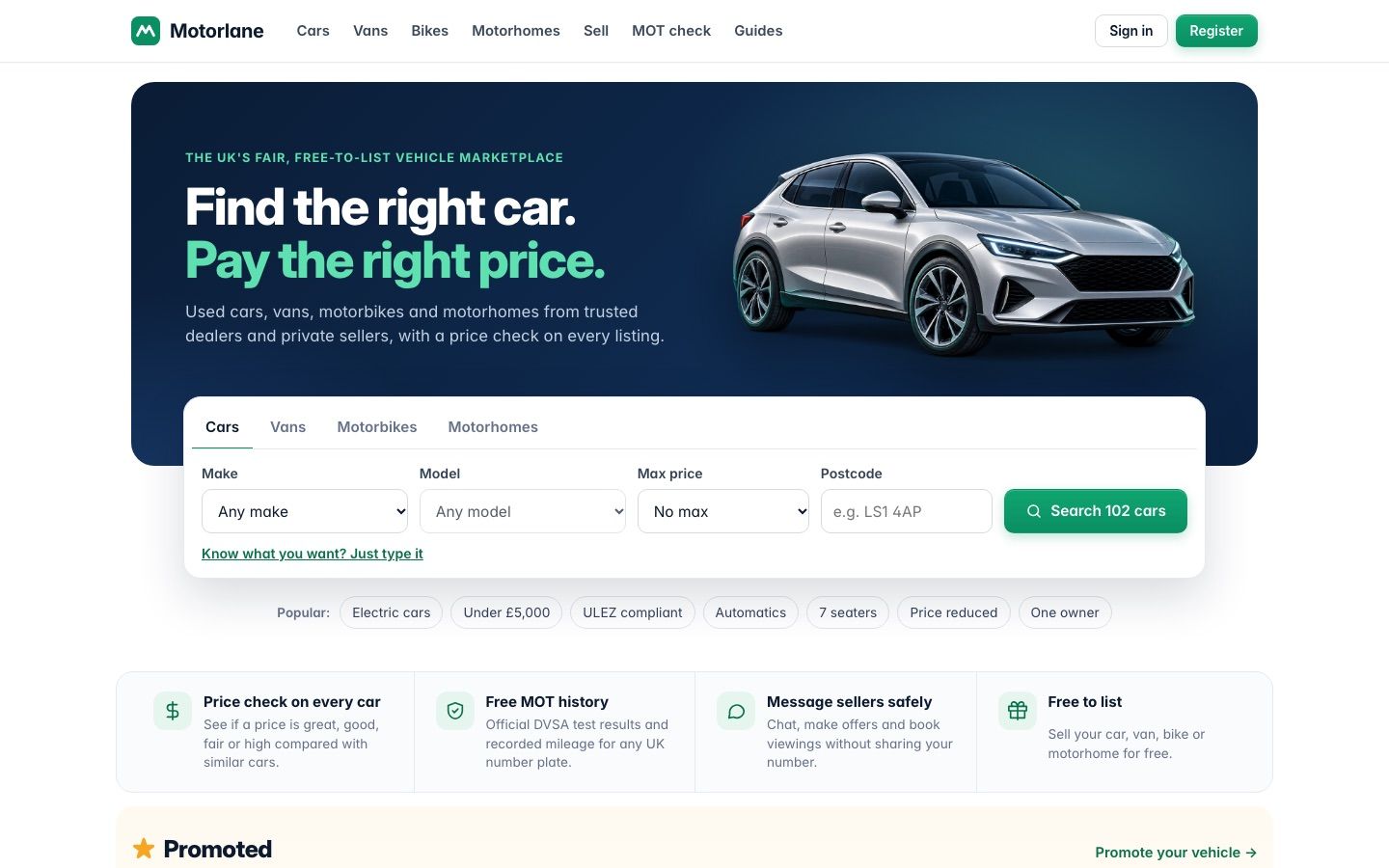
We also run Motorlane and Motorlane Fleet ourselves, alongside Interstellar Mobile Mechanic. Operating our own online services informs the websites and software we build for other businesses.
What about enquiries while you’re on a job?
If customers need a quote before booking, make it easy for them to send the details while you are busy. A useful enquiry form can ask what the job is, where it is, how to contact them and whether the work is urgent. It can also let customers attach photos of the job.
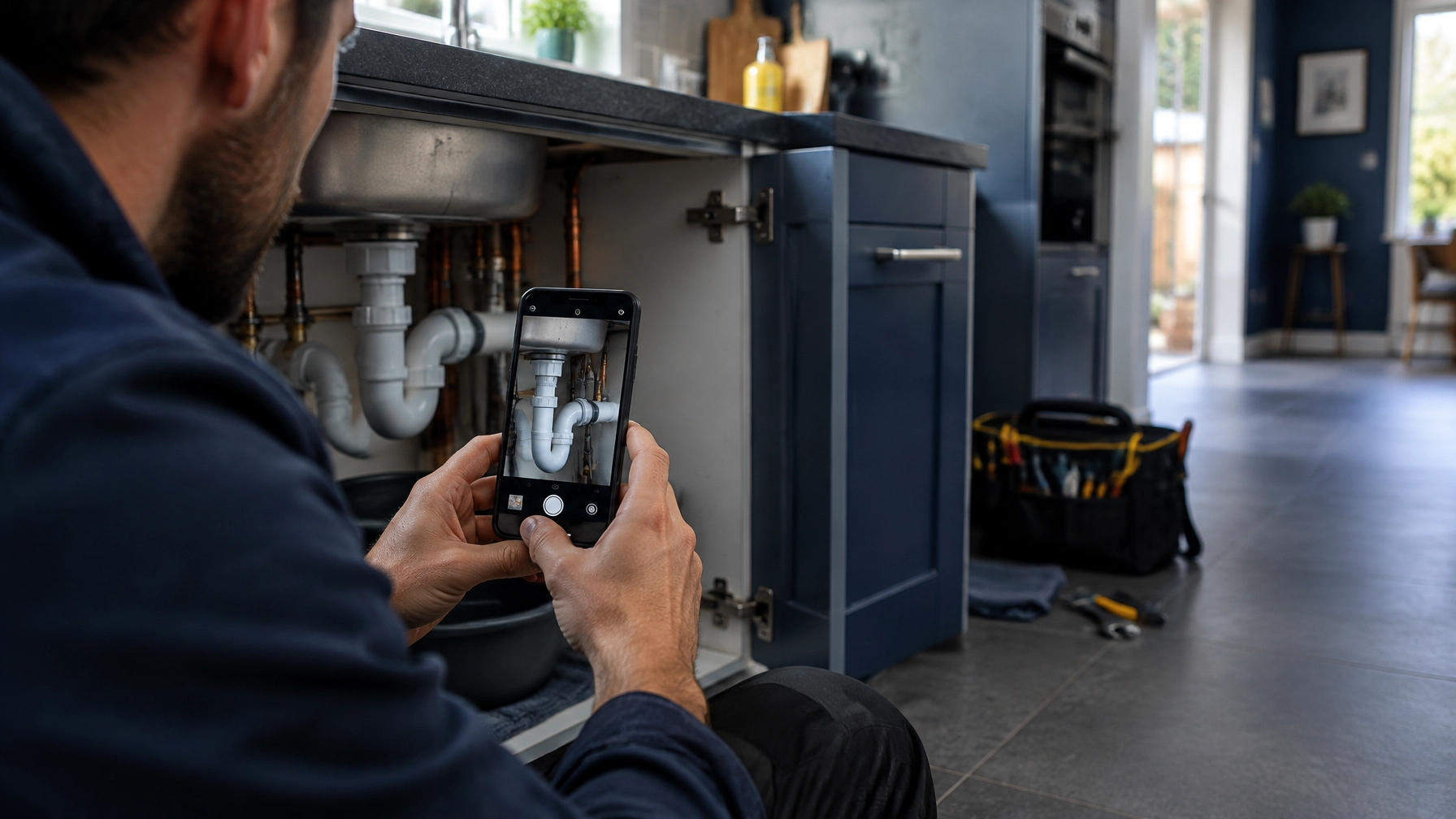
Photos can give you an early idea of what the customer is describing. They do not always provide enough information to confirm a price, but they can help you decide what to ask next or whether you need to visit.
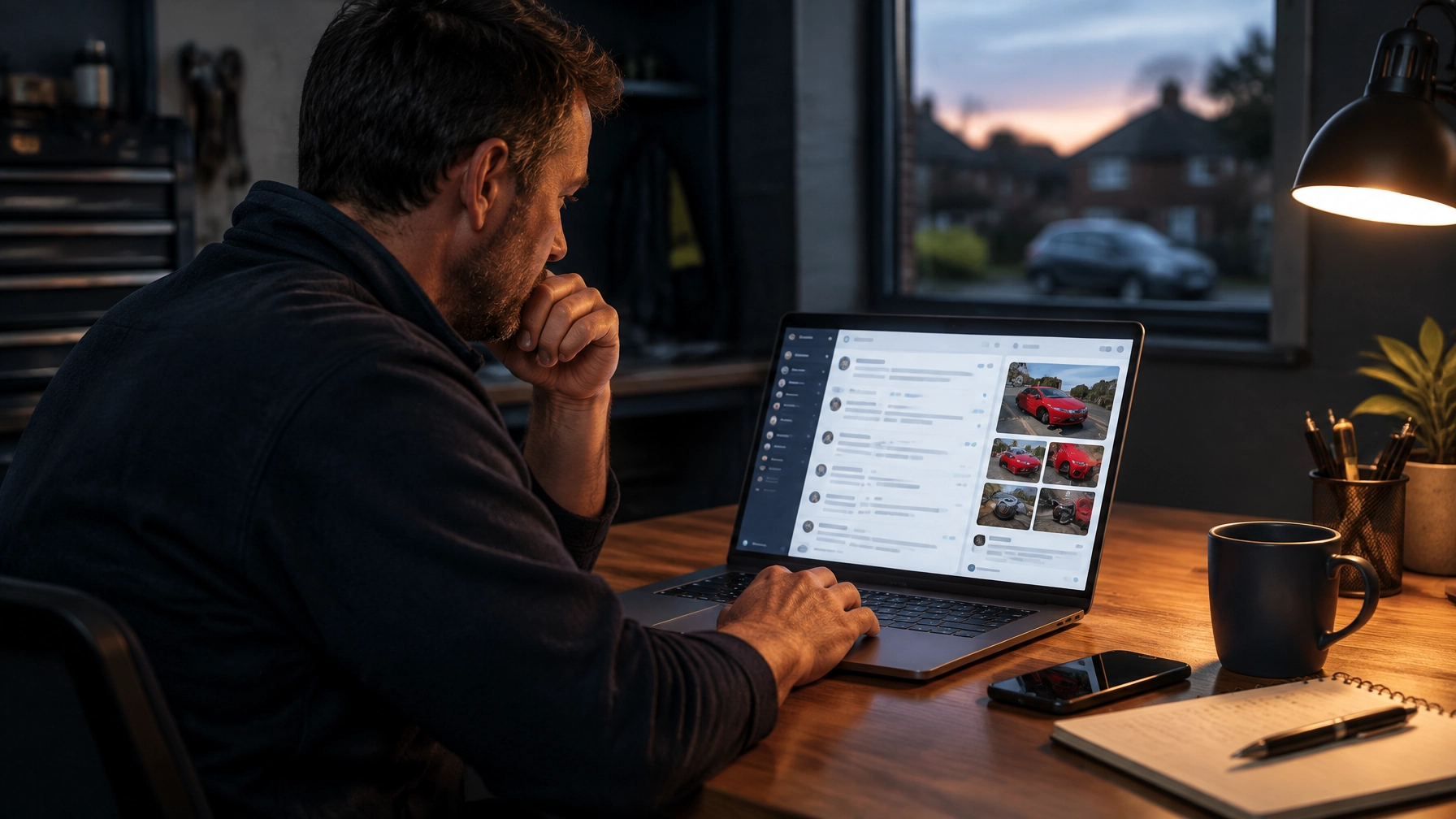
Business websites we build come with their own admin area. You can see visitor stats, review enquiries with customers’ photos, upload gallery images and manage social links. That means you can check a new enquiry when you have a moment, rather than needing to take every call as it comes in.
Frequently asked questions
Do I need online booking on my website?
No. If customers need a quote or a site visit first, an enquiry form may suit you better. Booking is most useful when you offer services with clear, bookable appointment times.
How much does it cost to take card payments on a website?
Stripe’s published standard online payment rate for standard UK cards is 1.5% + 20p per transaction. A website with payment features is a separate custom build, quoted to your requirements.
Can customers send photos through my website?
Yes. An enquiry form can allow photo attachments. This is useful when customers need to show you a repair, installation or other job before you can discuss a quote.
Is Stripe the only option?
No. Other payment providers are available. Fees and features differ, so check their current pricing and make sure the provider works with the website features you need.
Do I need a payment provider if I only take cash?
Not for cash payments. You would need an online payment provider if you later decide to take card payments or deposits through your website.
What’s the right first step?
Start with the customer’s next action. If they can choose a service and appointment time, booking may help. If you need to understand the job first, make it simple for them to send an enquiry and photos.
We build custom, mobile-first websites for businesses across the UK. You can see our website work, or get a free website check if you already have a site. Or tell us what your business needs and get a free homepage preview at interstellar-alliance.co.uk/websites/#preview.
Planning a new website?
Ask for a free homepage preview and see your design before you pay anything. Already have a website? Run a free check to see how it scores for phones, speed, security, Google basics, tap-to-call and share previews.